
Published
Finding things in Expense
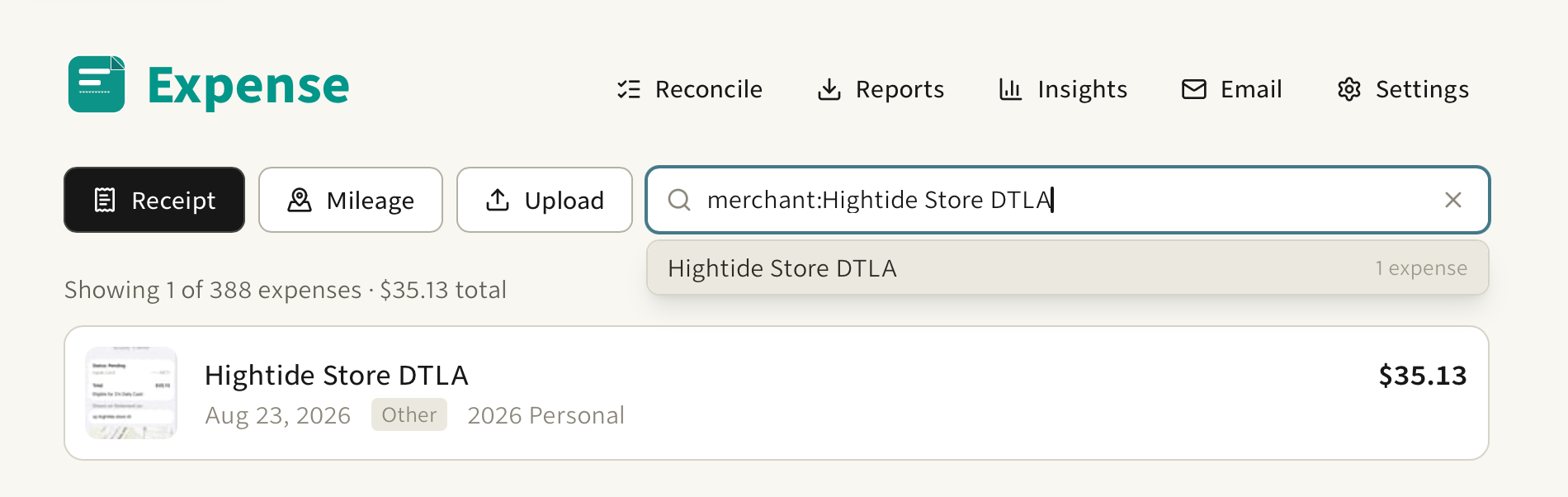
The search box on the expense list in Expense understands fields now. report:, category:, and merchant: match exactly, case-insensitive. description: matches anywhere in the description. Values can contain spaces, so report:2026 travel is one filter and not two. Repeat a key and the values OR together. Mix keys and they AND. An unknown prefix stays free text, so typing 10:30 does not break anything, and plain words keep matching everything searchable.
What makes it fast is where the suggestions come from: your own history. Your merchants, your categories, your reports, most used first. "How much on XYZ" becomes a pick instead of typing, and the operator forms are in that list with them.
The total under the list is computed from exactly what you filtered. Search "dentist" and the total is your dental spending, which saves the squinting and the spreadsheet arithmetic.
Two small touches while you type. The list shows a filtering state instead of flashing stale results for a beat, and / or the command palette drops you straight into the box.