
Published
Expense: One receipt, once
There are four ways for the same receipt to enter Expense: forward it by email, drag the file into the editor, let the MCP tool fetch it, connect a mailbox and have it imported for you. Each route used to check metadata on its own, so the same PDF arriving twice could become two expenses.
Every stored image is fingerprinted now, a SHA-256 of the bytes, stamped on the image and copied onto the expense. The same file, arriving by any route, is recognized as the same receipt. The second copy gets skipped or flagged instead of filed, whether the combination is forwarded email plus downloaded copy, or a retry plus an import.
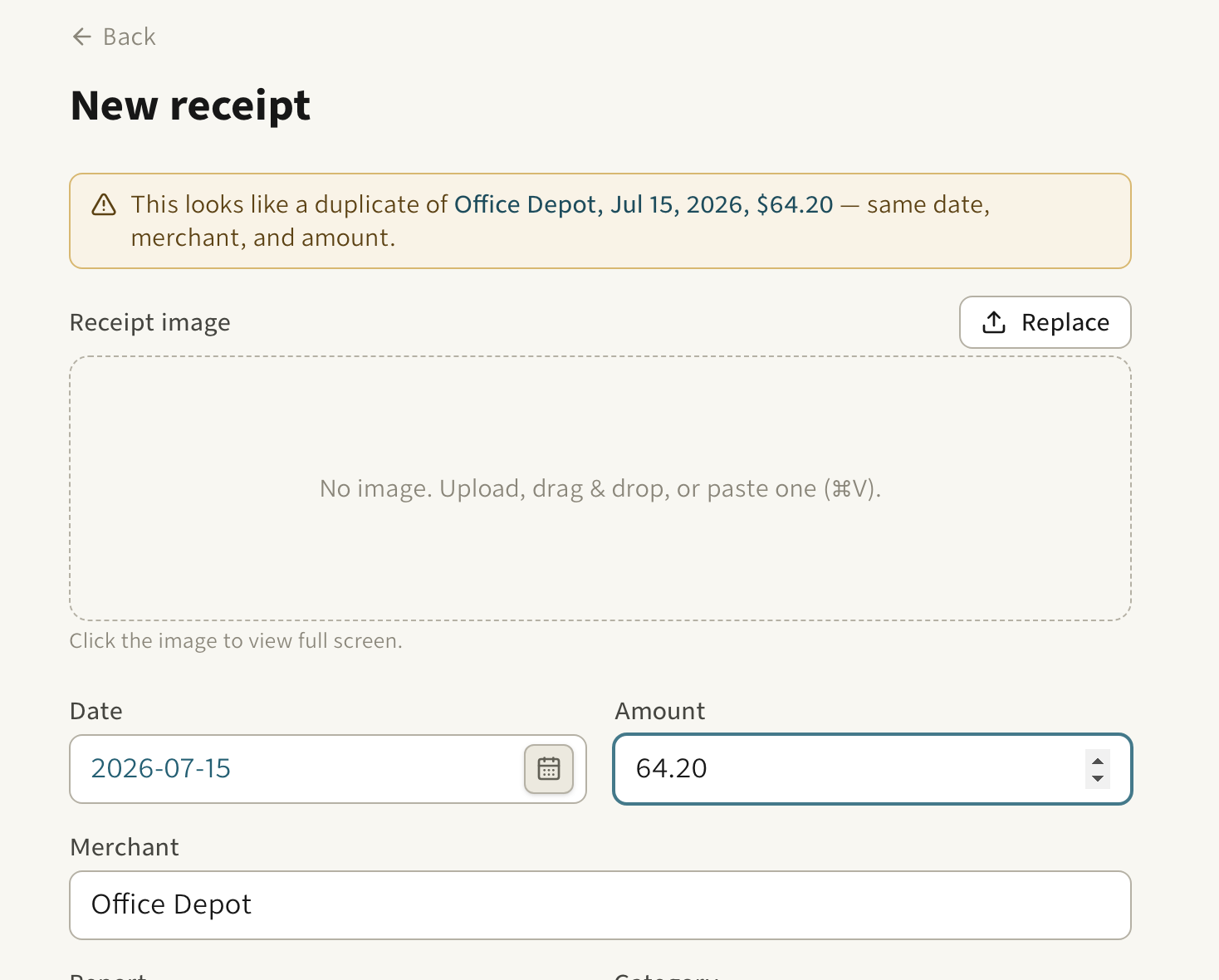
The fingerprint is the strongest check. Content matching backs it up for the cases where the bytes differ, which is most of the human ones: two photos of one paper receipt, or the same purchase typed in by hand. Those count as duplicates when the date, merchant, and amount agree to the cent and the category, report, and description do not contradict each other. Mileage compares the date, route, and distance instead.
Requiring the same date is what keeps the honest cases honest. A monthly subscription shares a merchant and an amount but never a date, so it does not false-positive, and a refund never matches the charge it refunds.
When two entries only look alike, mark them "not a duplicate" and the app remembers that pair.