
Published
Connect Fastmail: your receipts move from inbox to Expense
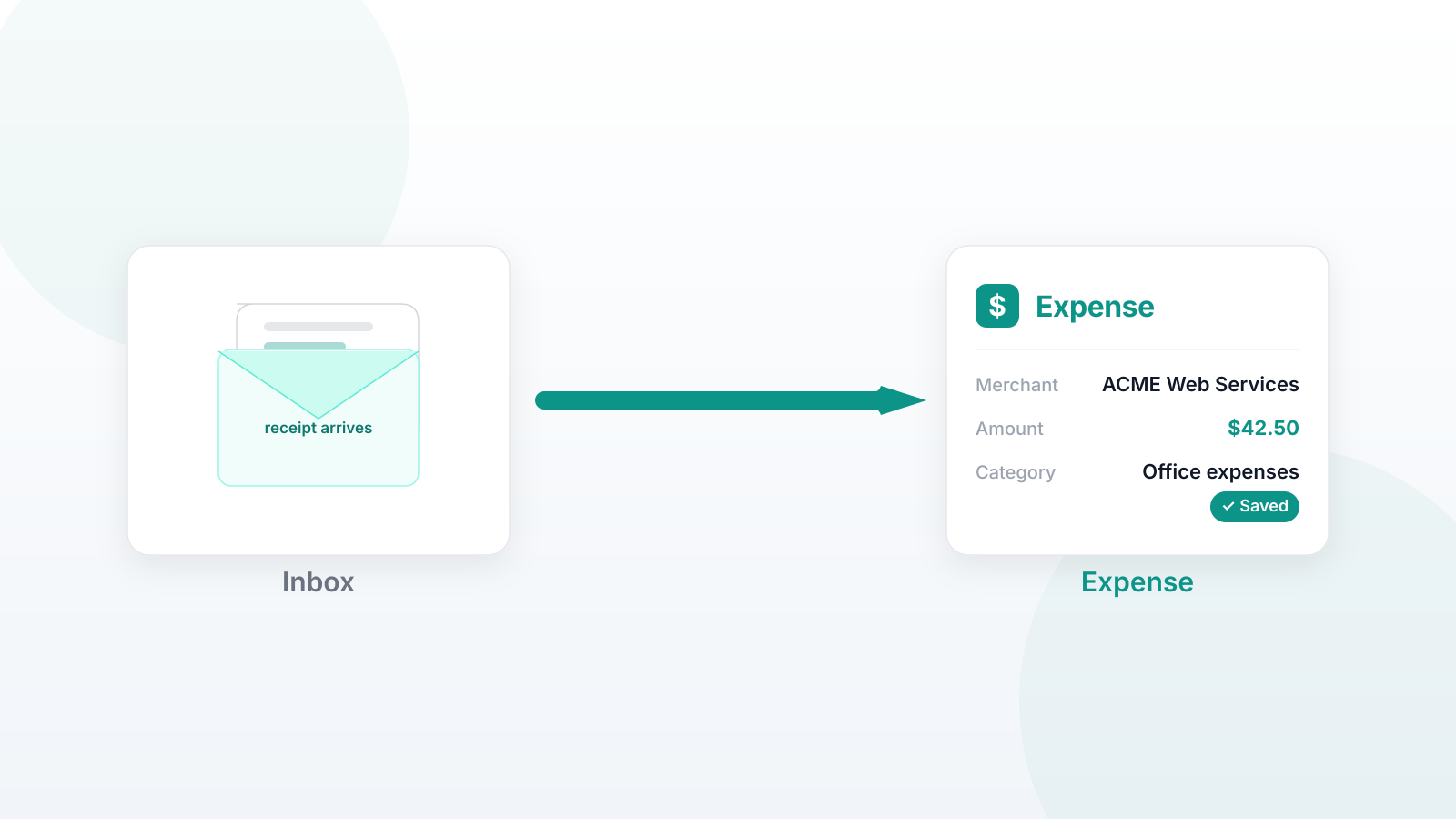
Most expense apps auto-import receipts from Gmail. If your mail lives anywhere else, you are the import.
Expense connects to FastMail directly now. Link your inbox once and receipts file themselves as they arrive, merchant, amount, and category filled in, dated by the email.
Two steps:
- In FastMail, go to Settings → Privacy & Security → API tokens and create a token with Mail access.
- In Expense, open the Email page and paste it in.
There is no verification dance. A valid token proves the mailbox is yours, which is stronger evidence than clicking a link.
What happens to an email next is where the design lives. Only senders the app knows get processed at all, by address or by domain, with rules pre-seeded for the major merchants. Matching a rule is not enough: every email is classified first, so marketing and shipping notifications from a merchant you do buy from are ignored, and cost nothing to ignore. Receipts from merchants you have bought from before are parsed from your own history, so the category and the report come from you rather than from a model guessing. Emails the app cannot recognize, a total it cannot parse, a refund, a reference-only confirmation, stay in your inbox for you to add by hand. Leaving them there beats filing them wrong.
You teach the app as you use it. Forward one receipt from a new sender to receipts@labnotes.org and that sender is known from then on, from any mail provider.
Nothing is deleted. Processed emails move to Trash, where a mistake can be dragged back out. Each email is evaluated once, and one mailbox can only feed one account, so two paths cannot race for the same receipt. Every expense keeps the reference number from its email, and a confirmation with an edit link comes back to you. You can unlink a mailbox whenever you like, and it is worth revoking the token in FastMail when you do. The token is encrypted at rest, and it stays in the app.
The limits are worth stating. Auto-import is FastMail only for now, and everyone else forwards, which works but is not automatic. The pipeline is deliberately local-first, so a receipt that needs text read out of an image waits in your inbox instead of being sent to a model. FastMail tokens cannot send mail, which is why the confirmation is written into your inbox rather than emailed back. When a token stops working, the app says "needs attention" instead of failing quietly.
Expense is free until it reaches 100 users, and free up to 25 invoices a month after that. Expensify's free plan stops at 25 SmartScans a month too.
Create a free account and if you use FastMail, connect your mailbox and watch the receipts roll in.