
Published
Cmd+K at Expense
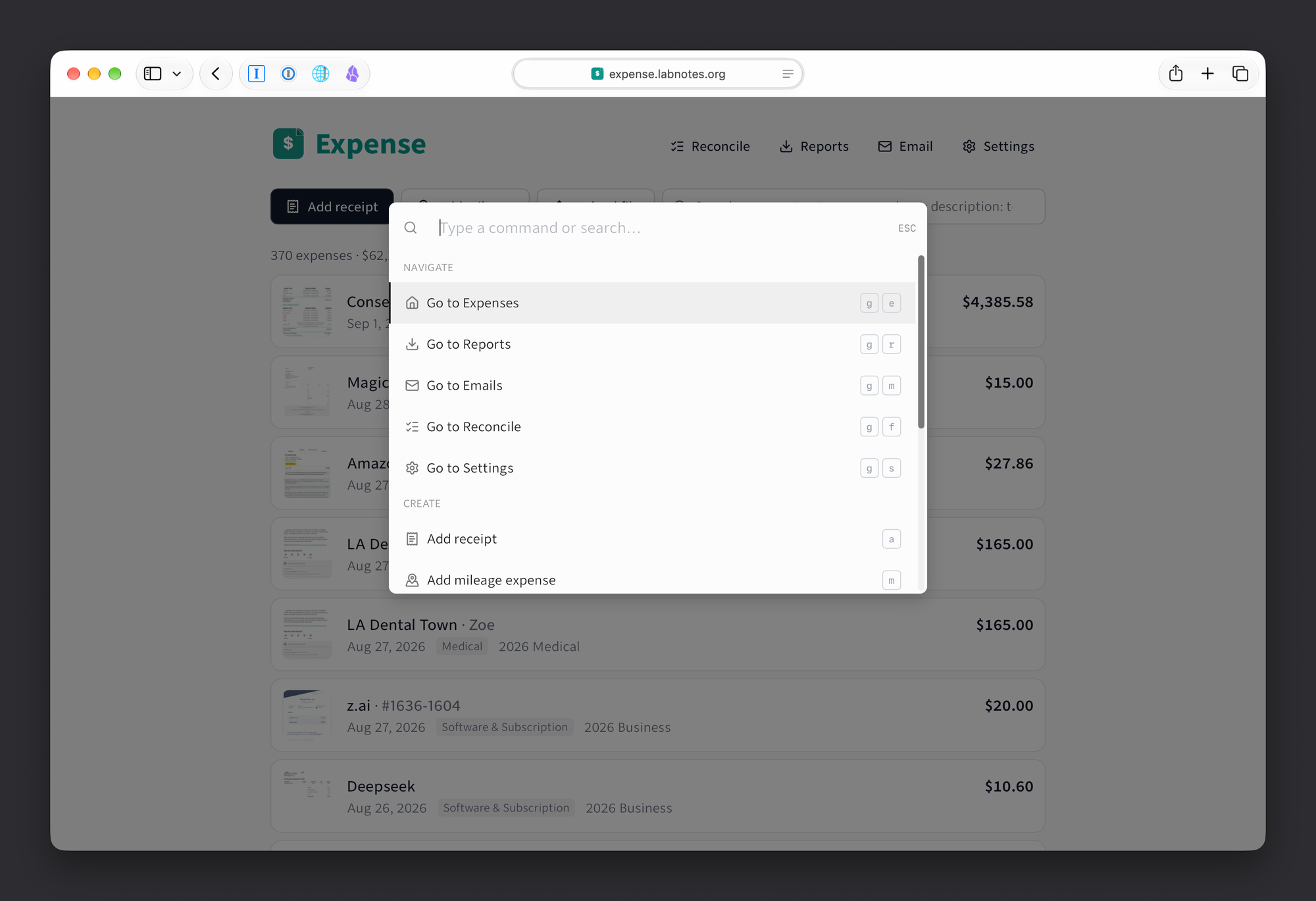
Expense now has a command palette. Press Cmd+K anywhere (Ctrl+K on Windows and Linux) and type what you want to do: go somewhere, add something, search, export. The mouse is optional.
The keys I actually use:
g eexpenses,g rreports,g lemails,g xreconcile,g ssettingsanew receipt,mnew mileage,fupload a file/jumps to the search boxeexports a report, then asks which one
You do not have to take the list's word for it. Press Shift+? and Expense pins each key next to the button it drives, on the screen you are already on. FastMail does this and I stole it shamelessly. Press it again and the pins go away.
Typing in the palette searches your expenses too, so "blue bottle" finds that receipt without opening the list first. Nothing needs memorizing either, because every command matches on its own words: type "mileage" and there it is.
Under the hood it is kbar, the small library behind the command palettes in a lot of apps you have used. The work was not adding commands. It was deciding what belongs. Something you do every day earns a key. Something you do twice a year can stay in the menus.